 pocket sfx
foley recording software
for windows and mac
Pocket SFX is a foley recorder for building libraries of separate sounds. You perform, it records: every sound becomes its own trimmed, faded and named WAV file, without touching the computer between takes.
the slow part of foley is the computer
Recording props usually goes like this: click record, put the mic down, perform, pick the mouse up again, stop, name the file, delete the false start, and do it again. For forty variations of a zipper, that's a lot of clicking and very little zipping.
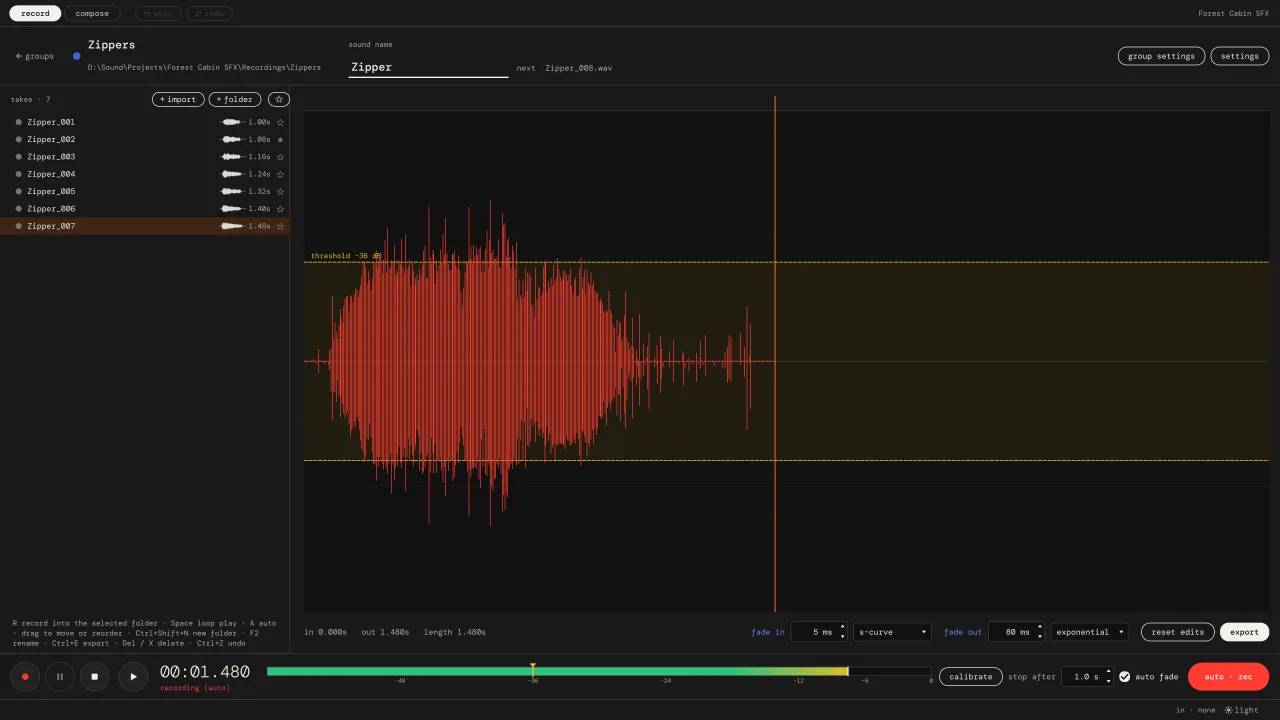
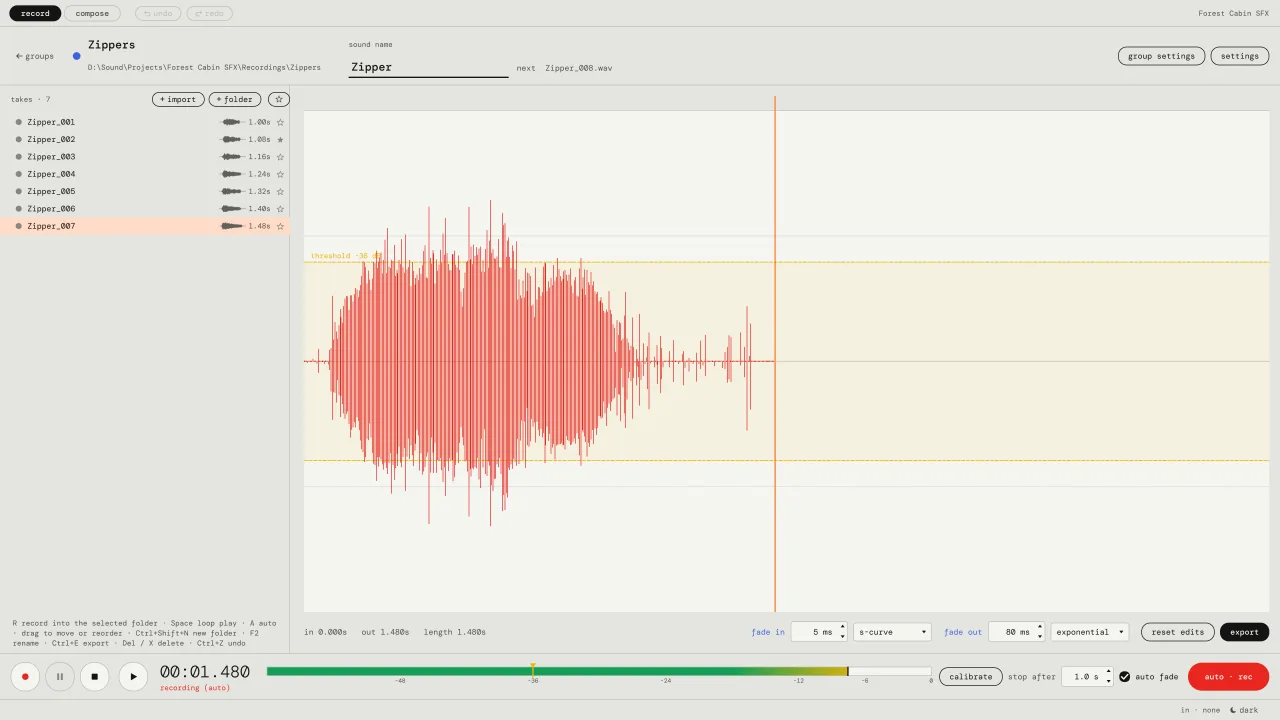
Pocket SFX takes the computer out of the loop. In auto mode it waits for a sound, records it, and after a moment of silence saves it as the next take: Zipper_001.wav, Zipper_002.wav, and so on. The silent tail is trimmed, short fades are applied, and the untouched recording is kept in case you want it.
a foley session, step by step
- Make a group for the prop. A group is a folder, for example
Recordings/Zippers. Type the sound name once:Zipper. - Calibrate. Press (calibrate) and stay quiet for 1.5 seconds. The threshold is set 12 dB above your room noise.
- Press A and perform. Slow pulls, fast pulls, soft, hard. Each one lands in the list as its own file.
- Sort while it's fresh. Make folders like
slowandfastand drag the takes in. The folders are real folders on disk. - Trim and fade what needs it. Drag the flags and the fade dots. Press space to loop the take while you edit.
- Layer the finished sound. On the compose tab, stack takes on layers, stretch, crossfade, and export a numbered version.
what it does well
- Batches of short sounds: footsteps, cloth, doors, impacts, zippers, paper, glass, UI sounds.
- Keeping every variation, named and numbered, instead of one long file you have to cut up later.
- A library that makes sense outside the app, because the folders and file names are real.
- Quick layering to check if three takes work together, without opening a full DAW session.
what it doesn't do
Pocket SFX is not a foley stage. It doesn't play video, so for foley performed to picture you still want your DAW. It has no plugins or effects. It's the tool for recording and organising the sounds themselves; many people send the files on to their DAW for processing. There's an honest comparison on pocket sfx, audacity or a daw?.
what you need
Any microphone or audio interface your computer can see. A USB mic is enough to start. Pocket SFX records mono WAV at 44.1, 48 or 96 kHz in 16-bit, 24-bit or 32-bit float, and runs on Windows 10 and 11 and on Apple Silicon Macs with macOS 12 or newer. If you're new to recording props, the guide how to record sound effects covers mic placement, levels and the room.
questions about foley
Can I record foley to picture with Pocket SFX?
No, Pocket SFX doesn't play video. It's made for recording separate sounds for a library or a game. For sync foley to picture, use your DAW or video editor.
Does it work with my audio interface?
Yes, if your computer can see it. On Windows it uses WASAPI, on macOS Core Audio. You pick the device and input 1, input 2 or both mixed in the settings.
What happens to the original recordings?
They are kept untouched in a _raw folder inside each group. The named file next to it is the trimmed and faded version, and it updates when you edit.
vat / sales tax added at checkout where it applies.