 pocket sfx
make your own game sound effects
Your game needs sounds, and you have a microphone. Pocket SFX records sound effects hands-free, saves each one as a named WAV file in real folders, and lets you layer takes into finished sounds. It runs on Windows and Mac.
why record your own sounds
Sound libraries are great, but other games use the same ones, and licences differ from pack to pack. Sounds you record yourself are yours, and they fit your game because you made them for it. Most of the sounds a small game needs are things you already have at home: doors, footsteps, cloth, paper, keys, cups, zippers, your own voice.
from microphone to game engine
- One group per sound. Make a group like
Footstepsand type the sound name, for exampleStep Gravel. - Record variations hands-free. Press A and take ten steps. You get
Step Gravel_001.wavtoStep Gravel_010.wav, trimmed and faded. - Keep the good ones. Press space to audition, arrow down through the list, star your favourites, delete the rest with x.
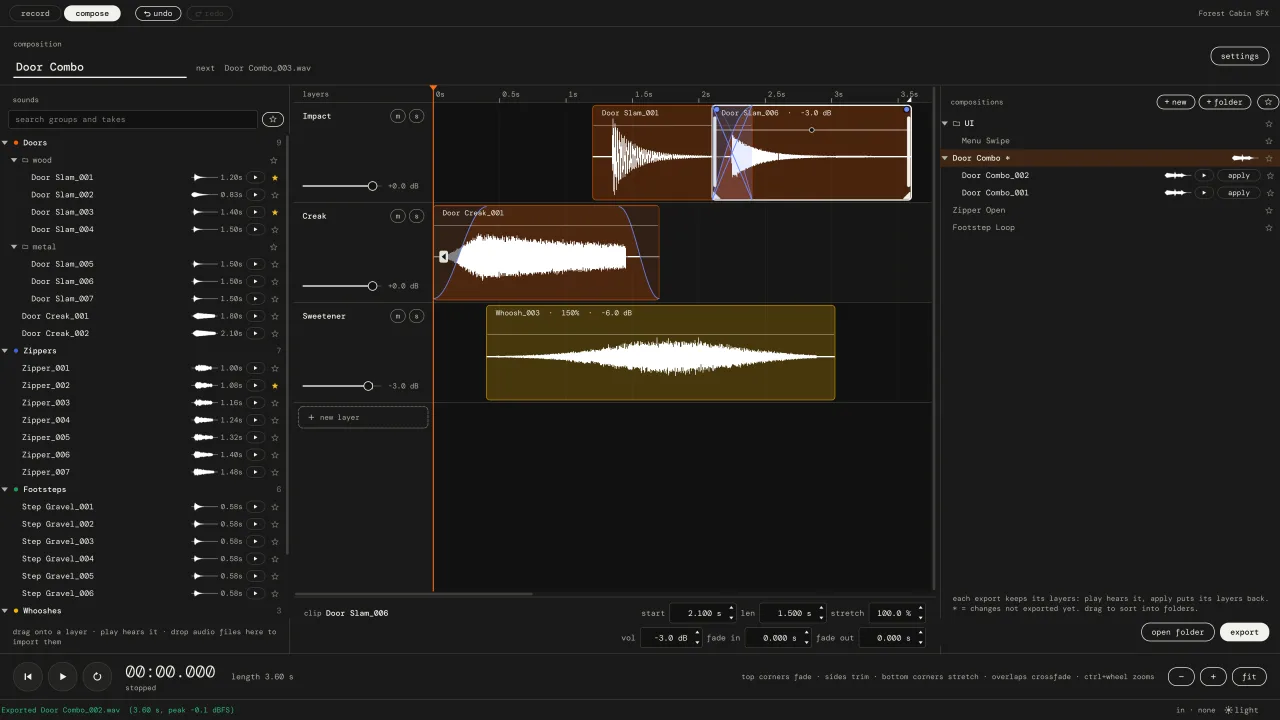
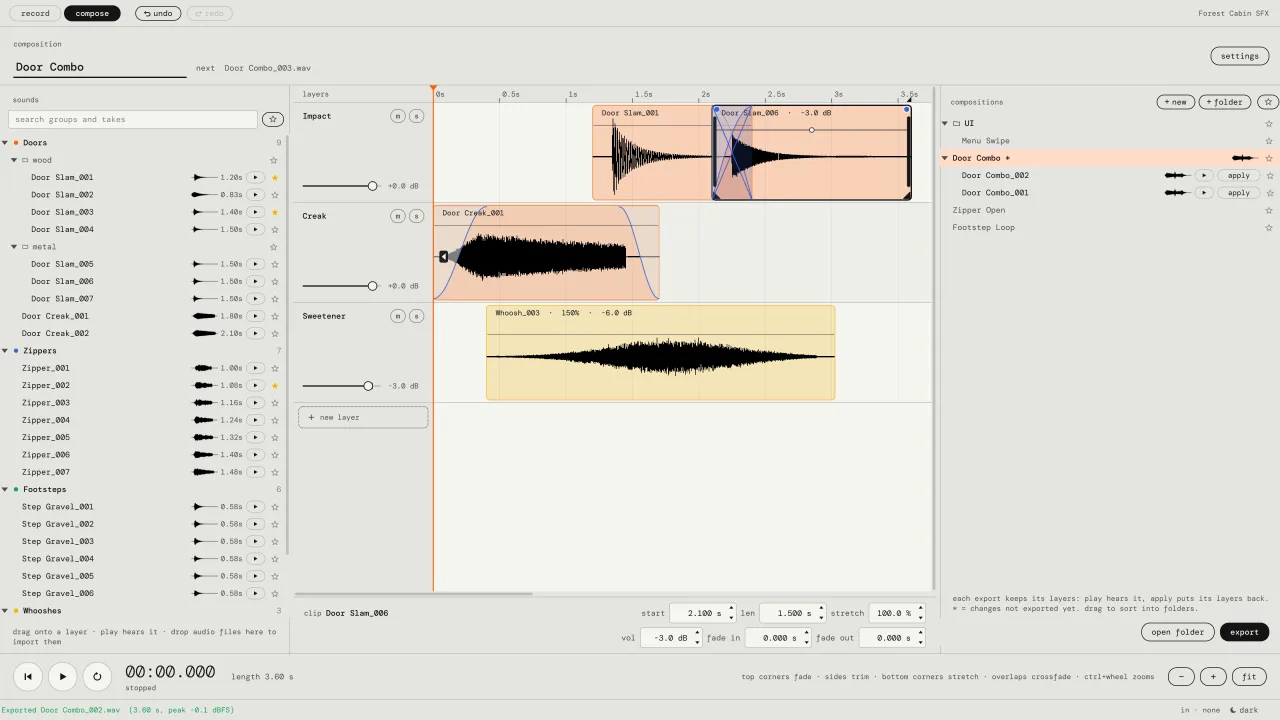
- Layer the bigger sounds. A chest opening might be a creak, a thud and a jingle. Stack them on the compose tab and export
Chest Open_001.wav. - Point the engine at the folder. The folders and names on disk are exactly what you see in the app, so the files are ready to import.
pro-tip! record five to ten variations of anything the player hears a lot, like footsteps or hits, and let the engine pick one at random. it stops the sound from getting annoying.
files that fit your engine
Pocket SFX saves standard mono WAV files, 48 kHz and 24-bit by default (44.1 and 96 kHz, 16-bit and 32-bit float are options). WAV imports into Unity, Unreal Engine, Godot, GameMaker and every other engine and middleware we know of. Mono is what you want for most 3D game sounds anyway, since the engine places them in space.
A naming template sets the file names: {name}_{###} gives Coin_001.wav, and tokens like {group} and {project} are there if you want longer names. Numbering always continues, so nothing is overwritten.
you don't have to be an audio person
There are no plugins to set up and no tracks to arm. Plug in a mic, press (calibrate), press A, make noise. If you want some basics on mic distance and levels first, read how to record sound effects.
questions from game devs
Can I use the sounds I record in a commercial game?
The recordings are your own files. Pocket SFX doesn't add anything to them or claim anything about them.
Does Pocket SFX add effects like reverb or pitch shifting?
No. It records, trims, fades, layers, stretches (without changing pitch) and mixes. For effects, run the exported files through your DAW or your engine's audio tools.
Can I bring in sounds I already have?
Yes. Drag audio files or whole folders into the take list. WAV, AIFF, FLAC, OGG, MP3, CAF and W64 work. They are converted to the project's format and the originals stay untouched.
vat / sales tax added at checkout where it applies.