 pocket sfx
sound-activated recording,
one file per sound
Pocket SFX has a hands-free mode that starts recording when a sound begins and stops after a moment of silence. Unlike a recorder that only pauses, it saves every sound as its own trimmed, faded and numbered WAV file, then waits for the next one.
how auto mode works
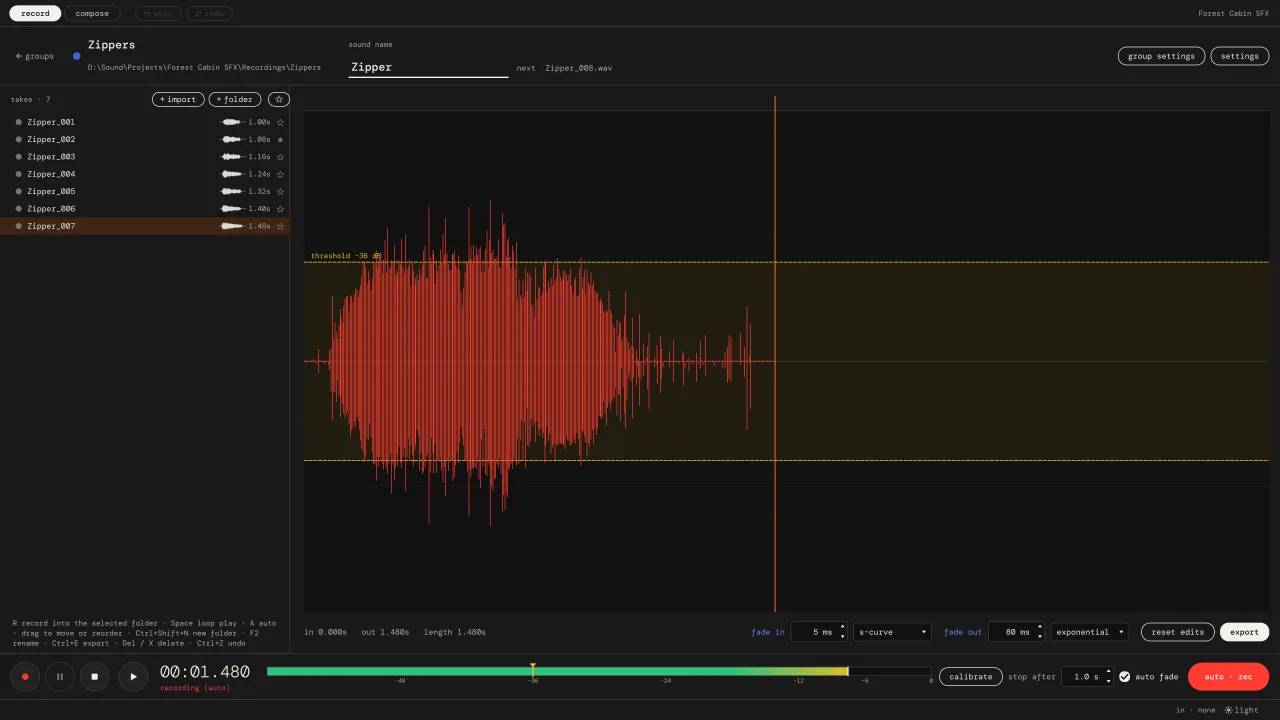
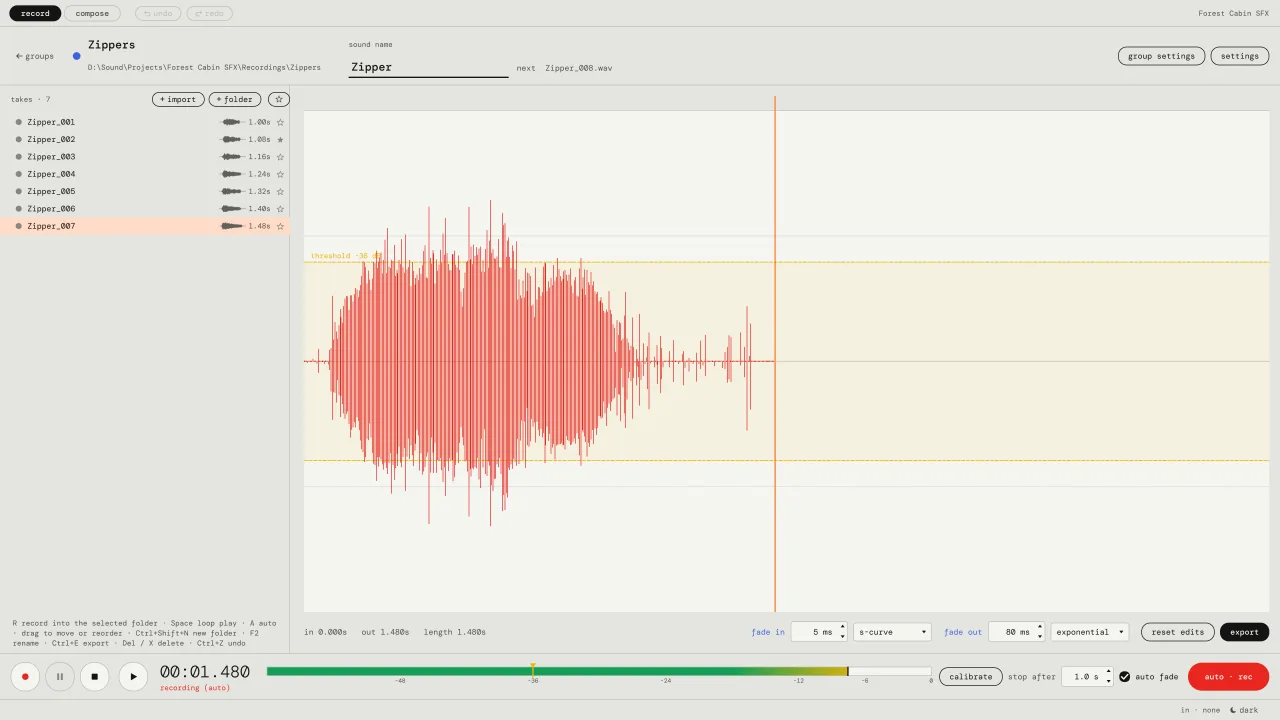
- Armed. Press A. The app listens to your input and shows the level against the threshold.
- Triggered. The level goes over the threshold. A take starts, including a short pre-roll from just before, so the attack is never cut off.
- Recording. The take keeps going while there's sound. Short dips don't end it: the stop level sits 6 dB below the threshold.
- Saved. After the set time of silence the take ends. The silent tail is trimmed (a short tail is kept), fades are applied, and the file is saved with the next number.
- Armed again. It waits for the next sound. Takes shorter than the minimum length are thrown away, so a click or a bump doesn't become a file.
the settings
| setting | default | what it does |
|---|---|---|
| threshold | -40 dBFS | level that starts a take. drag it on the meter, or press (calibrate): 1.5 s of room noise + 12 dB. |
| stop after | 1.0 s | silence that ends a take. longer for sounds with long tails. |
| pre-roll | 0.25 s | audio kept from before the trigger. |
| tail | 0.12 s | audio kept after the last sound when the silence is trimmed. |
| minimum length | 0.12 s | shorter takes are ignored. |
| auto fade | 5 ms in, 80 ms out | fades put on every new take. curves can be changed. |
pro-tip! press R instead of A for an ordinary manual take. R again stops and saves.
pausing vs. splitting
Many recorders have a "sound activated" or "voice activated" option, Audacity included. Those usually pause the recording when it's quiet and carry on in the same file, so you still end up with one long recording to cut into pieces. Pocket SFX ends the take, saves it as a separate file and starts a new one for the next sound. For batches of sound effects, samples or voice lines, that's the part that saves time. More on the differences: pocket sfx, audacity or a daw?.
what people record with it
- Sound effects and foley props, in batches of variations.
- Game voice lines and barks, one line per file.
- One-shot samples for a sampler or drum machine.
- Anything where you want both hands free and a folder of separate files at the end.
It is made for short sounds. It's not a dictation or meeting recorder.
questions about auto mode
Will a noisy room trigger takes on its own?
Press (calibrate) and stay quiet for 1.5 seconds: the threshold is set 12 dB above the noise it heard. Short bumps under the minimum length are ignored. If a fan or fridge is loud, turning it off helps more than any setting.
Does it work for voice?
Yes. Each spoken line becomes its own file. Set (stop after) a little longer so a pause in the middle of a sentence doesn't end the take.
Is there sound-activated recording on Mac?
Yes. Pocket SFX runs on macOS 12 or newer on Apple Silicon Macs, and on Windows 10 and 11. Auto mode works the same on both.
vat / sales tax added at checkout where it applies.